# External Wake
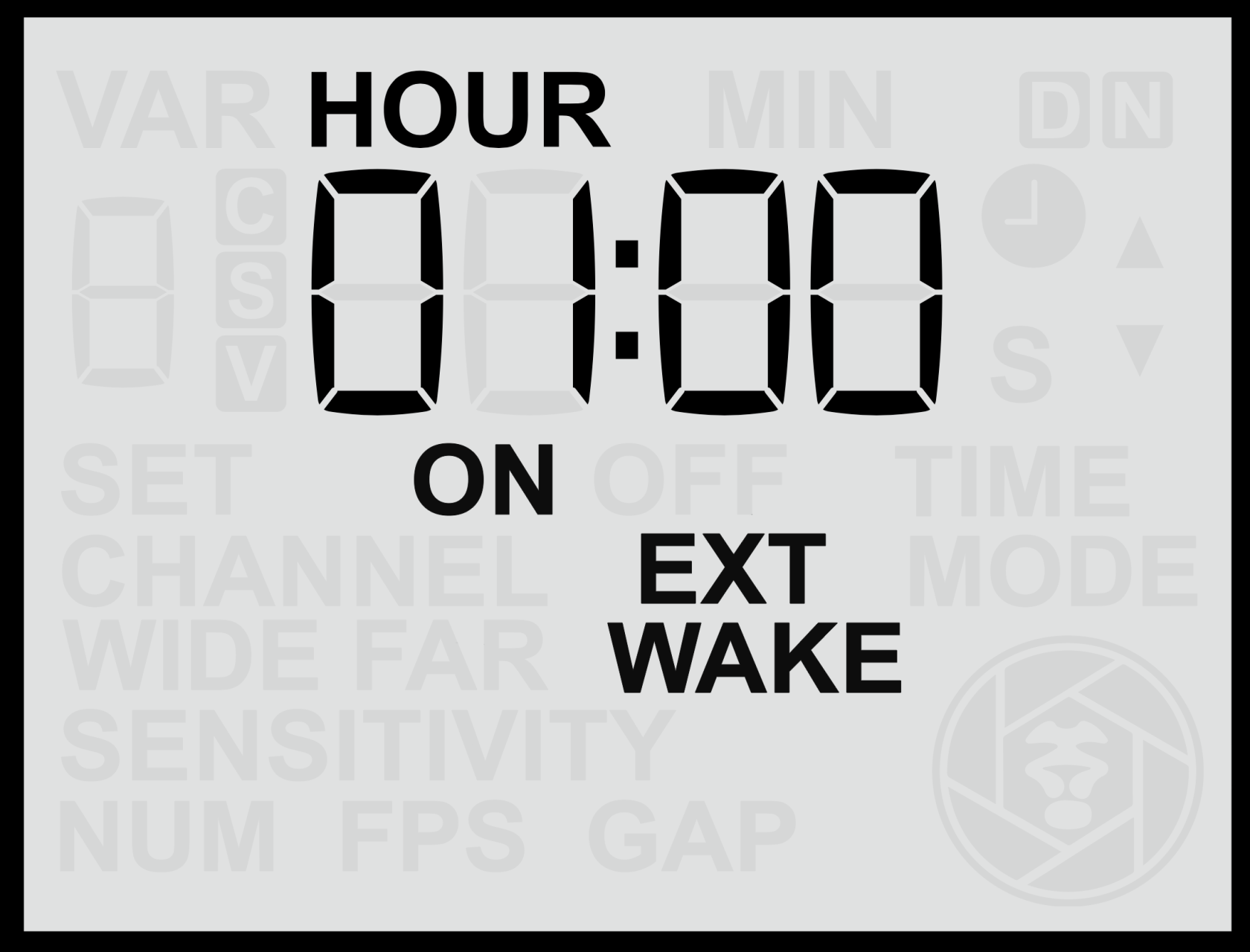
The **Periodic External Wake** setting allows the sensor to send a brief **half-press (wake)** signal to the connected camera or flash equipment at regular intervals. This periodic signal helps prevent certain devices from entering deep sleep modes and ensures they remain responsive for long-term deployments.
#### **Purpose of Periodic Wake**
This feature can be useful for a variety of situations, including:
- **Preventing cameras** from entering deep sleep or becoming unresponsive if left idle for long periods (for example, some models require a command at least once every 24 hours).
- **Keeping third-party flashes** active by preventing them from entering power-saving modes.
Although there are several potential uses, the **main purpose** of this setting is to maintain camera responsiveness in systems that may otherwise power down or lose connection over extended periods of inactivity.
#### **Setting the Periodic Wake Interval**
1. From the **Home Screen**, press the **Right Arrow** until you reach the **Periodic Wake** screen.
2. Use the **Up** or **Down** buttons to adjust the desired time interval in hours and minutes, from a minimum of 1 minute to a maximum of 24 hours.
3. Press the **Set** button to confirm and save your setting.
The interval can be configured in **minutes and hours**, and the sensor will send a brief **wake signal** to the connected equipment at each interval.
#### **Enable or Disable the Periodic Wake Function**
- **Hold** either the **Up** or **Down** button for more than **2 seconds** while on the **EXT WAKE** screen.
- When active, the display will show the **“ON”** indicator.
Panasonic cameras, such as the Panasonic GH4 and GH5, can enter a deep sleep state after extended inactivity. To prevent this, set a Periodic Wake interval of around 11 hours. This ensures the sensor sends a brief wake signal periodically, keeping the camera responsive during long deployments.
#### **Notes**
- **Periodic Wake signals are only sent during active time windows.** If Time Windows are enabled, wake signals will not be transmitted while the sensor is in an off-window period.
- If using **Camtraptions flashes** or cameras that remain active without assistance (which is the majority of cameras), this setting is not required.
- Using shorter intervals will slightly increase power consumption (not just of the sensor but of the equipment being woken), so choose the **longest interval** that reliably keeps your equipment awake.