# Far Sensor

The <span class="s1">**Far Sensor**</span> menu screen allows you to adjust the behaviour and sensitivity of the <span class="s1">**long-range PIR lens**</span>. This sensor has a much <span class="s1">**narrower field of view**</span> (approximately <span class="s1">**10°**</span>) and is significantly more sensitive overall than the wide sensor. It is designed for precise control of the trigger zone, enabling the user to determine exactly <span class="s1">**where in the frame**</span> the animal will be when the camera is activated.

Because of its narrow detection zone, the far sensor can be used much like a<span class="s1"> **“beam break”**</span>, ideal for cutting across an animal trail or pathway to ensure triggering occurs only when the subject reaches a specific point.

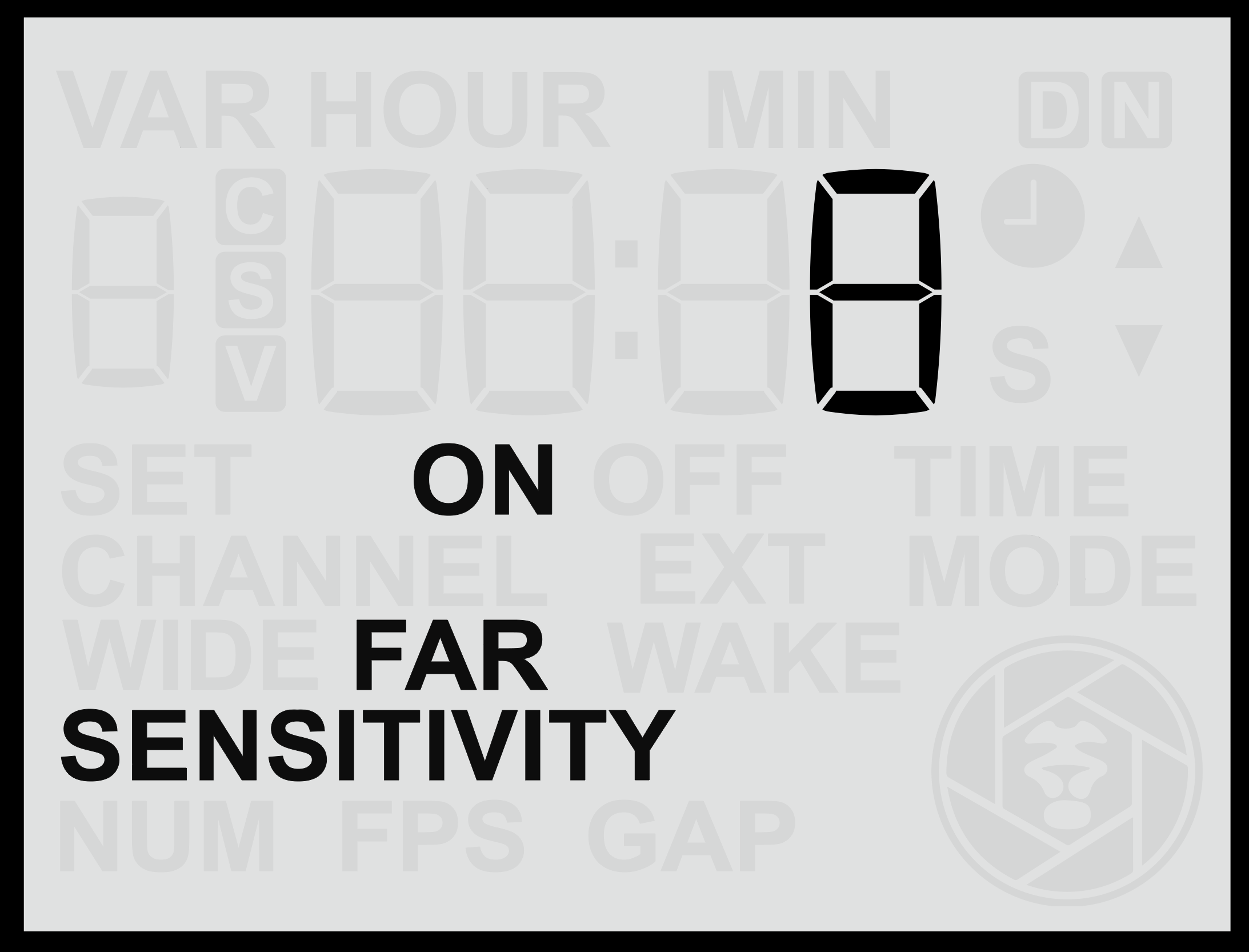
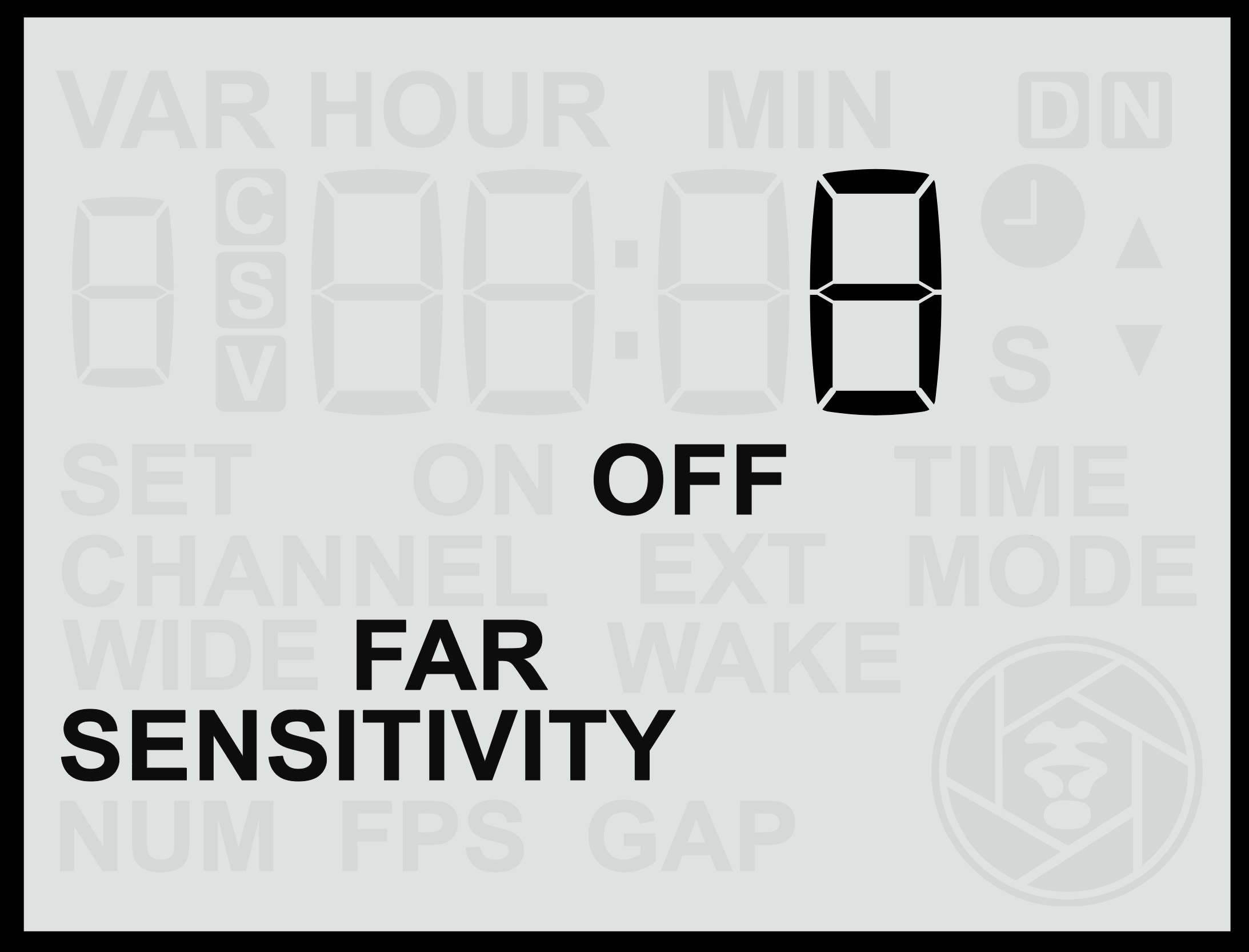
<table border="1" id="bkmrk-" style="border-collapse: collapse; width: 100%; border-width: 0px;"><colgroup><col style="width: 50%;"></col><col style="width: 50%;"></col></colgroup><tbody><tr><td class="align-center" style="border-width: 0px;">![screen-farsenson.png](https://docs.camtraptions.com/uploads/images/gallery/2025-11/screen-farsenson.png)</td><td class="align-center" style="border-width: 0px;">![screen-farsensoff.png](https://docs.camtraptions.com/uploads/images/gallery/2025-11/screen-farsensoff.png)</td></tr></tbody></table>

#### **Accessing the Far Sensor Screen**

1. From the <span class="s1">**Home Screen**</span>, press the <span class="s1">**Right Arrow**</span> repeatedly until you reach the <span class="s1">**Far**</span> screen.
2. Use the <span class="s1">**Up**</span> or <span class="s1">**Down**</span> buttons to adjust the sensitivity between <span class="s1">**1 and 16**</span>, where: 
    - <span class="s1">**16**</span> = Maximum sensitivity (detects very small or distant motion).
    - <span class="s1">**1**</span> = Minimum sensitivity (detects only close or pronounced motion).
3. Press the <span class="s1">**Set**</span> button to <span class="s1">**save**</span> your chosen setting.

#### **Testing and Positioning the Far Sensor**

To understand and fine-tune the detection range and behaviour of the far sensor:

- Temporarily <span class="s1">**disable the Wide Sensor**</span> so you can observe only the far lens’s performance.
- Use the <span class="s1">**red motion indicator light**</span> to see exactly when motion is detected.
- Adjust the sensor’s position and side flaps to align the detection beam precisely with your desired trigger zone.
- Once testing is complete, <span class="s1">**re-enable both sensors**</span> for full functionality.

Because its range is very long, the far sensor may sometimes detect motion <span class="s1">**beyond the intended trigger zone**</span> or <span class="s1">**outside the camera’s framing**</span>.

To prevent unwanted detections, it can be effective to <span class="s1">**mount the sensor slightly higher**</span> and <span class="s1">**angle the far sensor downward**</span> toward the desired trigger area. This positioning limits its view of distant background areas and ensures it primarily “sees” the ground where the subject will pass, triggering reliably and precisely when the animal enters the frame.

#### **Changing the Far Sensor Function**

As with the wide sensor, you can change the behaviour of the far sensor by pressing and <span class="s1">**holding**</span> either the <span class="s1">**Up**</span> or <span class="s1">**Down**</span> button for more than <span class="s1">**2 seconds**</span>. This cycles through three operating modes:

<table id="bkmrk-mode-description-nor"><thead><tr><th>**Mode**</th><th>**Description**</th></tr></thead><tbody><tr><td>**Normal**</td><td>The sensor behaves normally, triggering the camera or flash when motion is detected.</td></tr><tr><td>**Off**</td><td>The far sensor is disabled and will not detect motion or trigger the camera.</td></tr><tr><td>**Wake**</td><td>The far sensor sends only a <span class="s1">**wake signal**</span> to connected camera equipment but does not trigger a full shoot command.</td></tr></tbody></table>

The <span class="s1">**Normal**</span> mode is typically used for capturing the actual trigger moment. However, in some advanced setups, the <span class="s1">**Wake**</span> mode may be used strategically to coordinate multiple sensors or fine-tune camera wake-up behaviour.