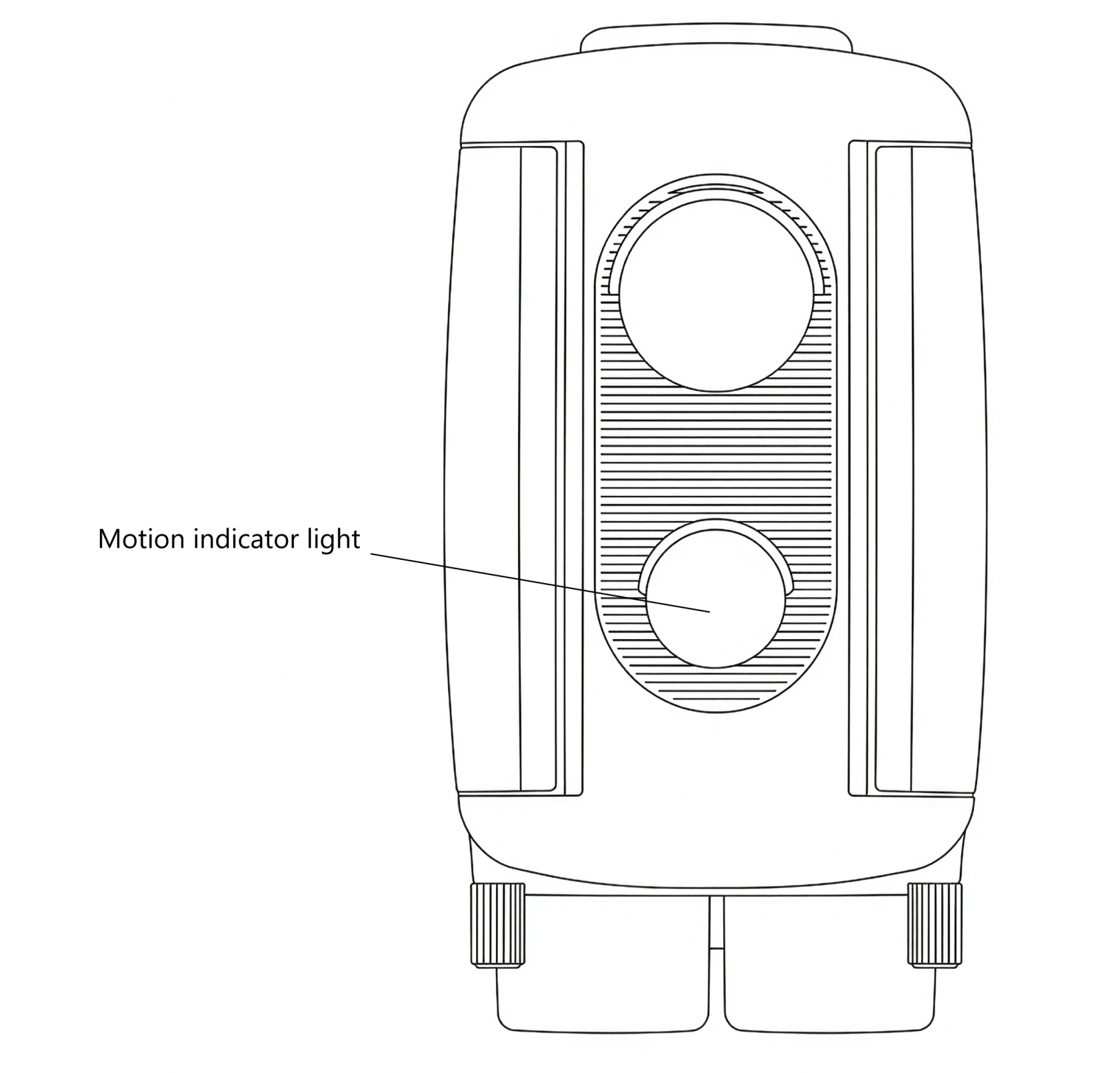
# Front Motion Indicator Light
The **Front Motion Indicator Light** is a useful tool for **testing the sensor’s field of view and detection range** during setup. When active, the light flashes **red** through the white PIR lens whenever motion is detected, helping you visualise exactly when and where the sensor is responding.
The indicator light remains active for **five minutes** after the sensor is first powered on or after any button is pressed. It then automatically **disables** to conserve power and to prevent the light from drawing attention to the sensor while it is deployed in the field.
The light is **bright and visible** in a wide range of lighting conditions, making it effective for setup in both indoor and outdoor environments.
For practical guidance on using the indicator light to refine the trigger area, see the [**Controlling the Field of View**](https://docs.camtraptions.com/books/pir-v4-manual/page/controlling-the-field-of-view "Controlling the Field of View") section of this manual.