# Gap Time
The **Gap Time** setting controls the **delay between triggers**, defining how long the sensor will wait before it can activate again after completing a sequence. This lets you control how often the sensor triggers, conserving battery power and storage while allowing flashes to recharge and reducing the chance of disturbing subjects.
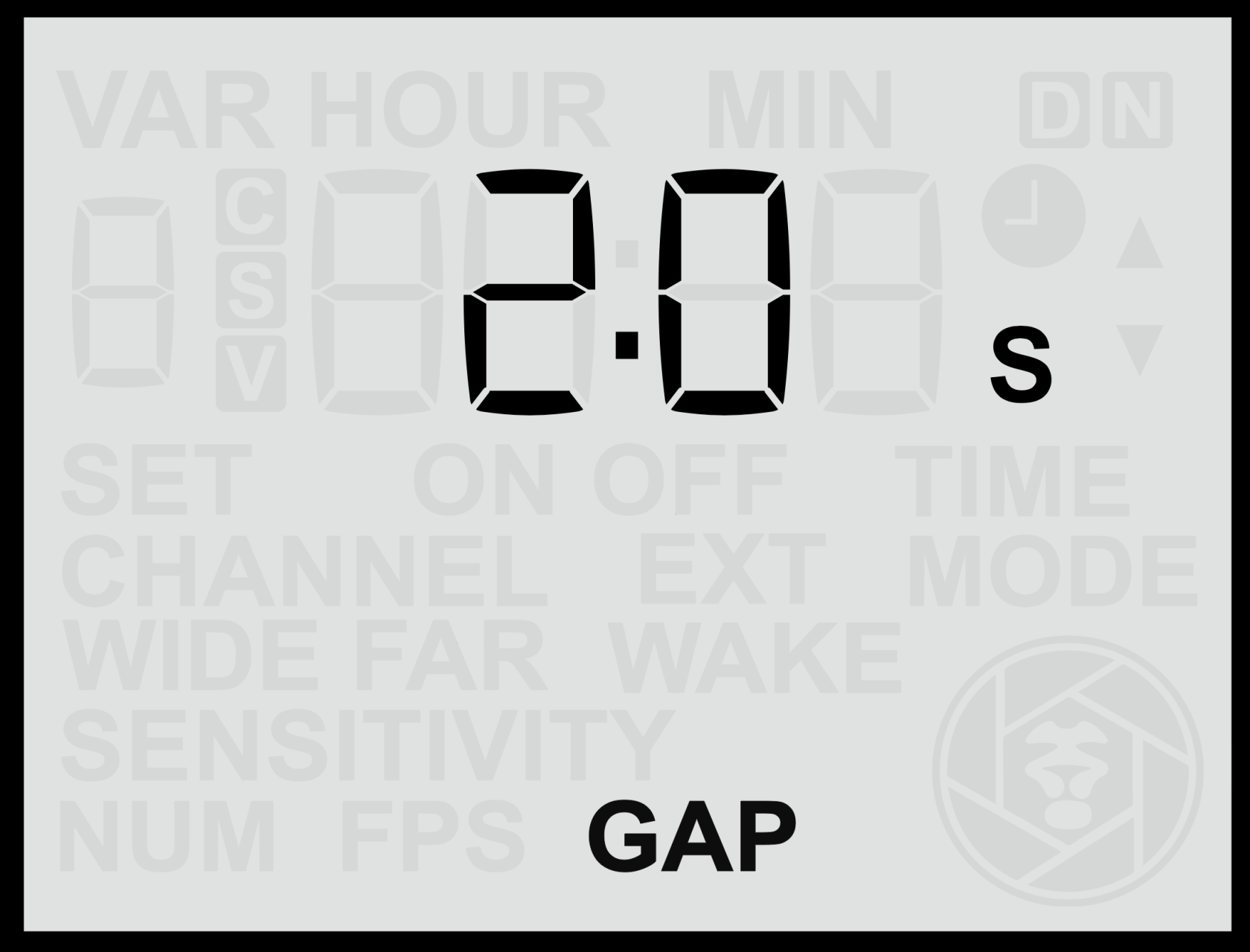
#### **Adjusting the Gap Time**
1. From the **Home Screen**, press the **Right Arrow** until you reach the **Gap Time** screen.
2. Use the **Up** or **Down** buttons to set the desired delay between 0.5s and 1min (1s by default).
3. Press the **Set** button to **save** your selection.
The chosen value determines how long the sensor will remain inactive after completing a sequence before it can trigger again.
- A **short gap time** allows the sensor to retrigger quickly and capture multiple events close together.
- A **longer gap time** limits the number of triggers, reducing the total number of images or videos recorded over time.
#### **Practical Uses**
Adjusting the Gap Time can help you:
- **Reduce excessive triggering** in areas with frequent animal movement.
- **Conserve battery power** and **memory card space** for longer unattended deployments.
- **Allow flashes time to recharge** between triggers, especially when using multiple flashes or high power levels.
- **Avoid disturbing animals** with rapid, repeated flashes.
In most cases, a **moderate delay** provides the best balance between responsiveness and conservation of resources. For fast-moving subjects or short-term deployments, a shorter delay may be preferable, while for long-term camera traps, a longer delay could help extend system endurance.