# Reset to Defaults
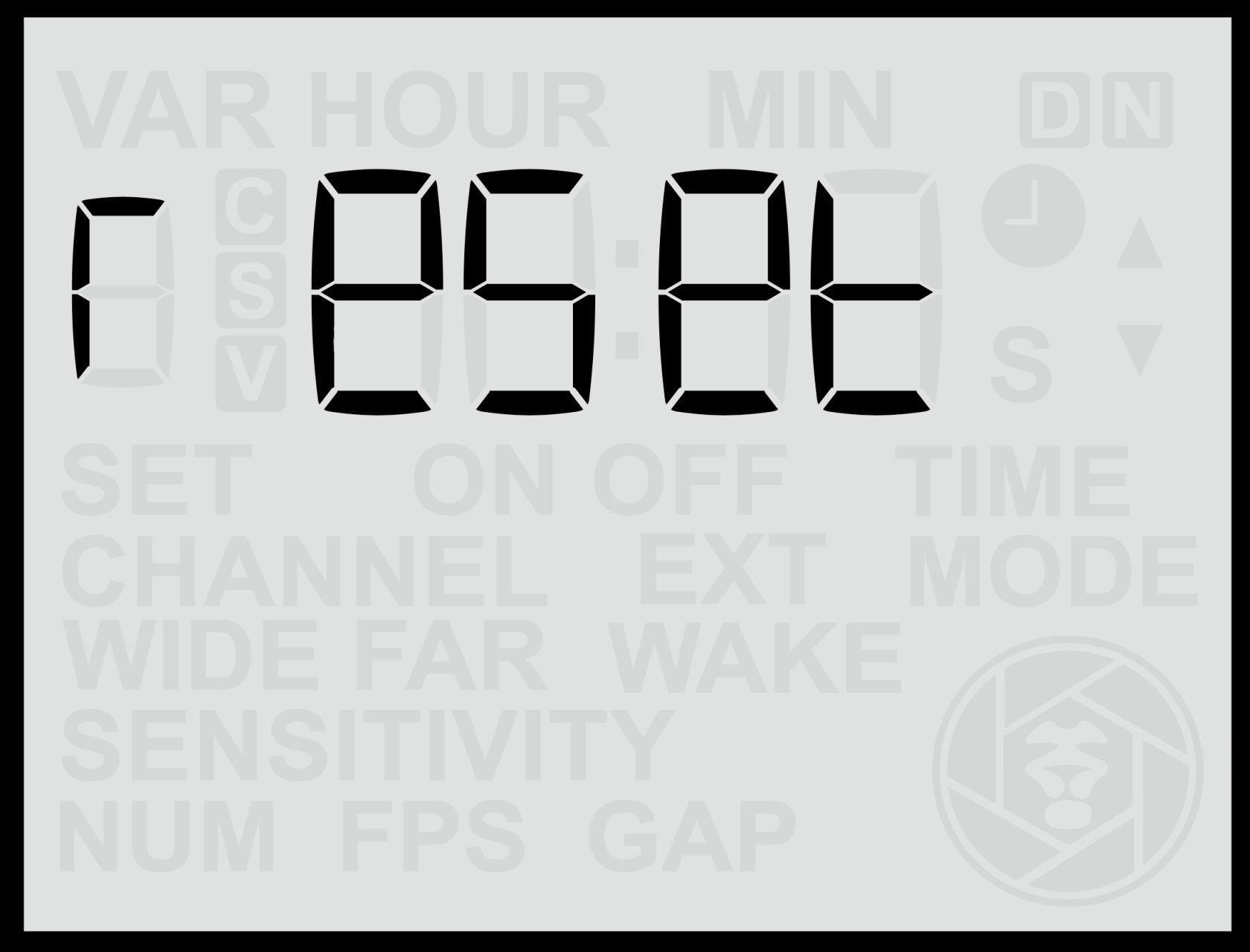
From the **Custom Variables (C Var)** menu, if you continue scrolling past the last C Var entry, you will reach a screen labelled **“reset”**. This screen allows you to **restore all sensor settings to their factory defaults**.
This is useful if many settings or Custom Variables have been adjusted and you want to quickly return the sensor to its original standard behaviour.
#### **Performing a Reset**
1. Navigate to the **Custom Variables (C Var)** menu.
2. Continue scrolling using the **Right Arrow** until you reach the **“reset”** screen.
- The word **“reset”** will appear **without blinking**.
3. Press the **Up** or **Down** button once — the word **“reset”** will begin **blinking**, indicating that the reset function is armed.
4. Press the **Set** button to confirm.
- The text **“reset”** will disappear.
- The **clock symbol** will blink for approximately **3 seconds**, indicating the reset is in progress.
- When complete, the sensor will automatically return to the **Home Screen**.
#### **Cancelling a Reset**
If, while **“reset”** is blinking, you press **Left** or **Right** instead of **Set**, the screen will move back to the previous or next C Var setting, and **no reset will be performed**.
#### **Notes**
- Resetting the sensor restores **all user-configurable options** (including Global, Still, Video, and Custom Variable settings) to their **factory defaults**.
- The **firmware version** remains unchanged.
- After performing a reset, it’s recommended to review your key configuration settings (e.g., wireless channel, mode, and time) before redeploying the sensor.