# Wake Time
The **Wake Time** setting determines how long the sensor will wait after an initial **half-press (wake)** signal has been sent to the camera before beginning the main trigger sequence. This gives the camera (and any connected flashes) time to **wake up or prepare** before the full trigger (shoot) command is sent.
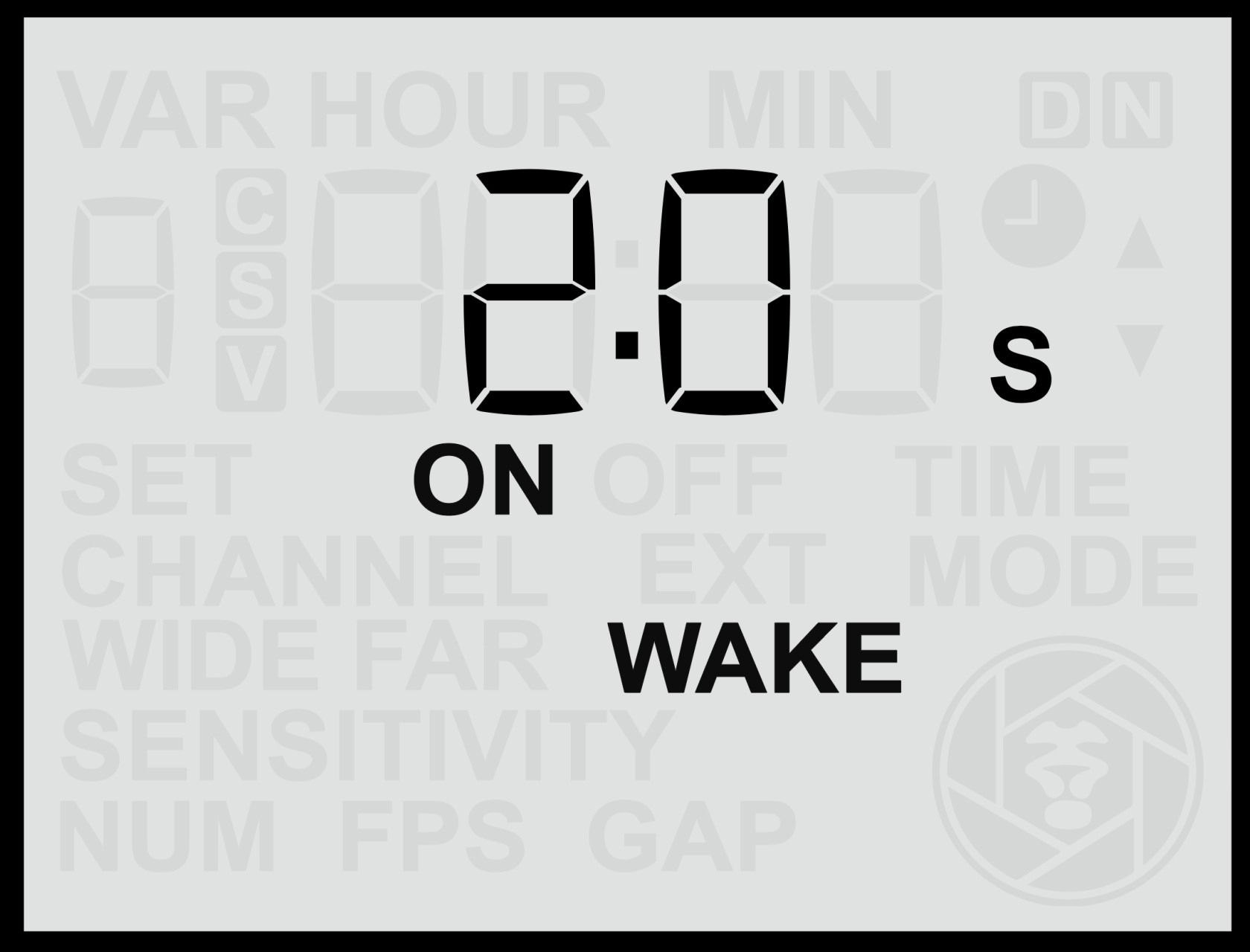
#### **Adjusting the Wake Time**
1. From the **Home Screen**, press the **Right Arrow** until you reach the **Wake Time** screen.
2. Use the **Up** or **Down** buttons to select the desired delay in seconds between 1s and 15s.
3. Press the **Set** button to **save** your selection.
The delay can be configured in **seconds**, depending on how much wake-up time your camera or flashes require. By default, this setting is **off** (no wake-up signal and delay).
#### **Enable or Disable the Wake Function**
- **Hold** either the **Up** or **Down** button for more than **2 seconds** while on the **Wake** screen.
- When active, the display will show the **ON** indicator.
#### **Purpose of Wake Time**
Some cameras require a short period to power up or establish communication before they will respond to a full trigger signal. If a **shoot signal** arrives too soon after the system has been idle, the camera may miss it entirely. This can lead to missed shots in still mode and, more critically, problems in video mode.
For example:
- Certain **Canon cameras** require a **full-press signal** to start and stop video recording. If the start signal is missed due to wake-up lag, the camera may only respond to the **stop** command later, resulting in continuous, indefinite recording.
- Cameras with **longer wake-up delays**, or flashes that require a moment to recharge, benefit from a wake period that ensures all equipment is ready before the main trigger occurs.
#### **Recommended Use**
It is recommended to use a **Wake Time** delay for:
- Cameras that take noticeable time to wake from standby (especially some older mirrorless cameras).
- **Canon and Panasonic cameras** used in **video mode**.
- Setups involving third-party flashes that require a short recharge time before firing. (Note: Camtraptions flashes do not require a wake delay, as they remain ready to fire instantly.)
Adjusting this delay ensures reliable operation by waking connected equipment first, then triggering the shutter or video start signal once everything is ready.