# USB Switch Manual
# Overview
This section introduces the USB Switch — a remote-controlled cable that provides regulated 5V power output for USB-powered accessories.
# Overview
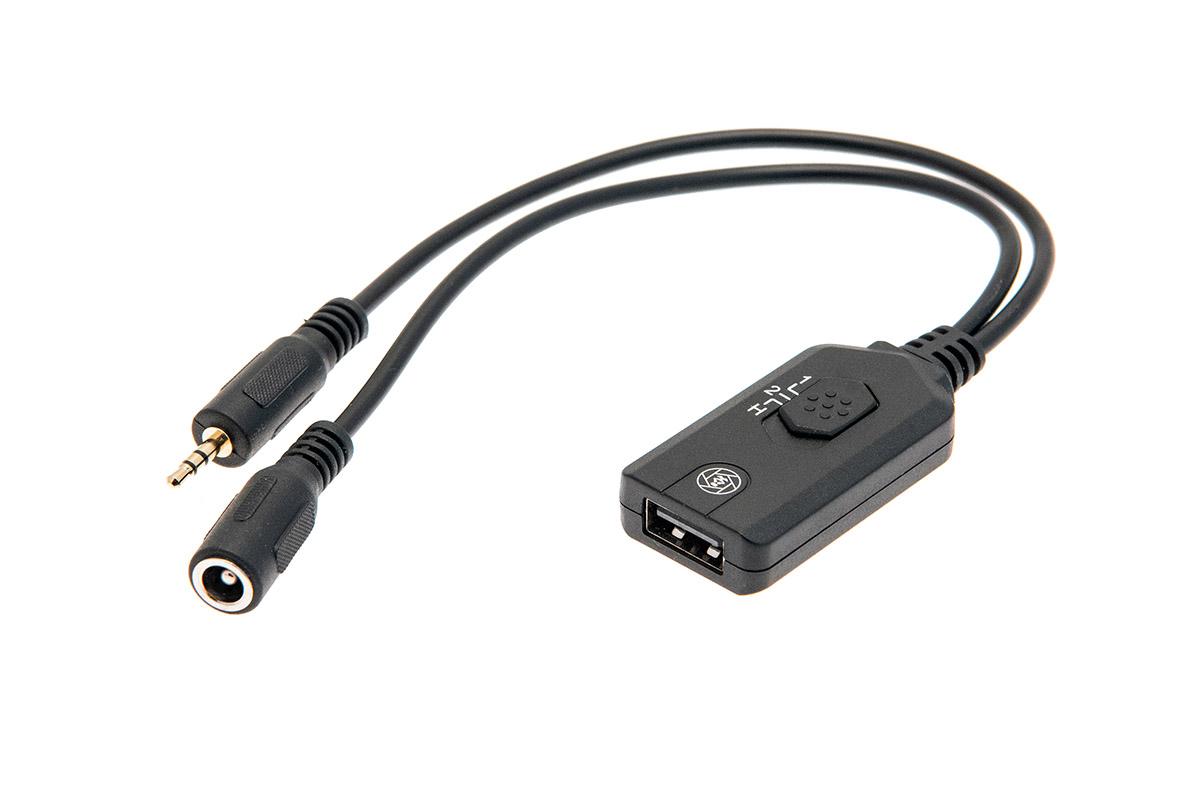
The Camtraptions USB Switch is a cable with an integrated controller that allows a **5V** power output to be turned on and off via a standard camera remote.
The cable has been designed to work seamlessly with Camtraptions sensors, wireless triggers and a wide range of other camera accessories. Among other applications, this enables various USB-powered devices (for example an LED video light) to be incorporated into remote control or camera trap set-up.
#### **Connector**
The USB Switch has a **2.5mm** jack that is designed to plug in to Camtraptions equipment or any remote release with a Canon E3-type female socket.
#### **Power Input**
The USB Switch also has a female DC power input socket. This socket accepts an input voltage from **6V to 9V**.
#### **Power Output**
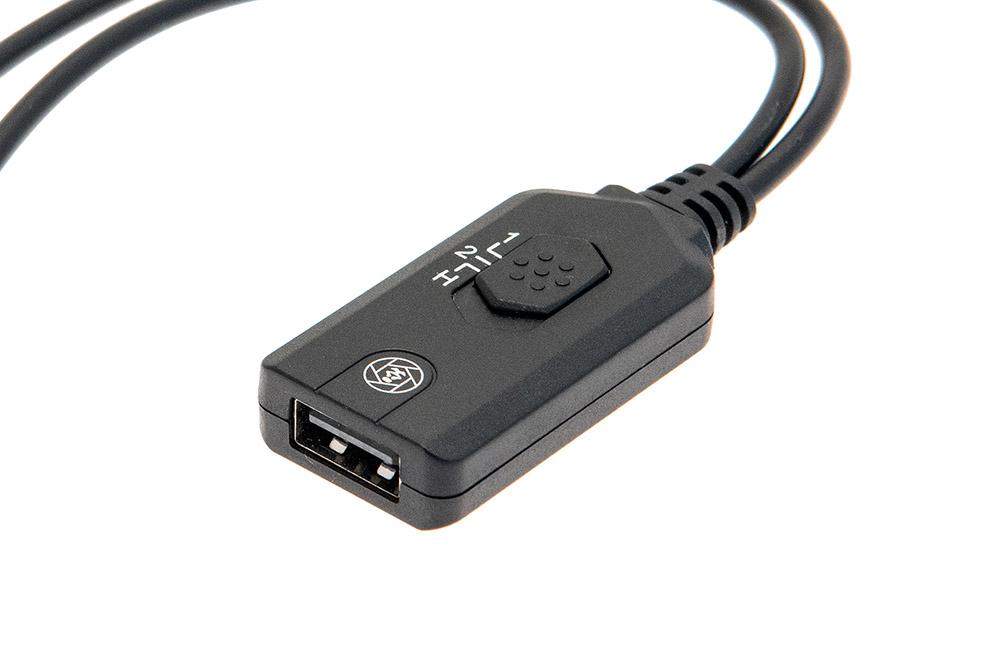
The voltage is regulated by the switch to produce a stable **5V** (up to **1.5 Amps**) output via the USB socket.
#### **Operating Modes**
The device has three operating modes, **1**, **2** and **H**, which can be set using the slider.
# Operating Modes
This section explains the three operating modes — Mode 1, Mode 2 and Mode H — along with the built-in overheat protection feature.
# Mode 1
When a press signal is detected, the switch turns **ON** for **15 seconds** then automatically turns **OFF** again.
The ON time is extended by a further **15 seconds** every time an additional press is detected.
#### **Compatibility**
For use with the Camtraptions Wireless PIR Sensor v3 (purchased after 18th January 2021), using video programs **1**, **2** or **3**.
# Mode 2
First press turns the switch **ON**, second press turns the switch **OFF**.
#### **Compatibility**
For use with:
- Camtraptions Wireless PIR Sensor v3 (purchased at any time), using video programs **4**, **5** or **6**.
- Camtraptions PIR Sensor v2 programs **14**, **16**, **18**, **20**, **22**, **24**.
# Mode H
The switch is **ON** while the press signal is held.
# Overheat Protection
The switch has an inbuilt cut-out feature that automatically turns it off if it starts to overheat. This ensures that the switch itself does not get damaged.
In practice, the switch can support devices drawing up to around **1.5 Amps** for a prolonged period of time without overheating.
If a device draws more current than **1.5 Amps**, it may be necessary to use two USB Switches in parallel.